How do you route kitchen tickets to the right stations without chaos?
Turn one long printer queue into clean station work so nothing gets missed on the line.
Stop making every cook scan one long queue. Map each menu item to the single station that cooks it, so grill items reach the grill and salads reach the cold station and tickets route themselves. Give the expediter the full pass view, and keep a backup printer ready for outages.
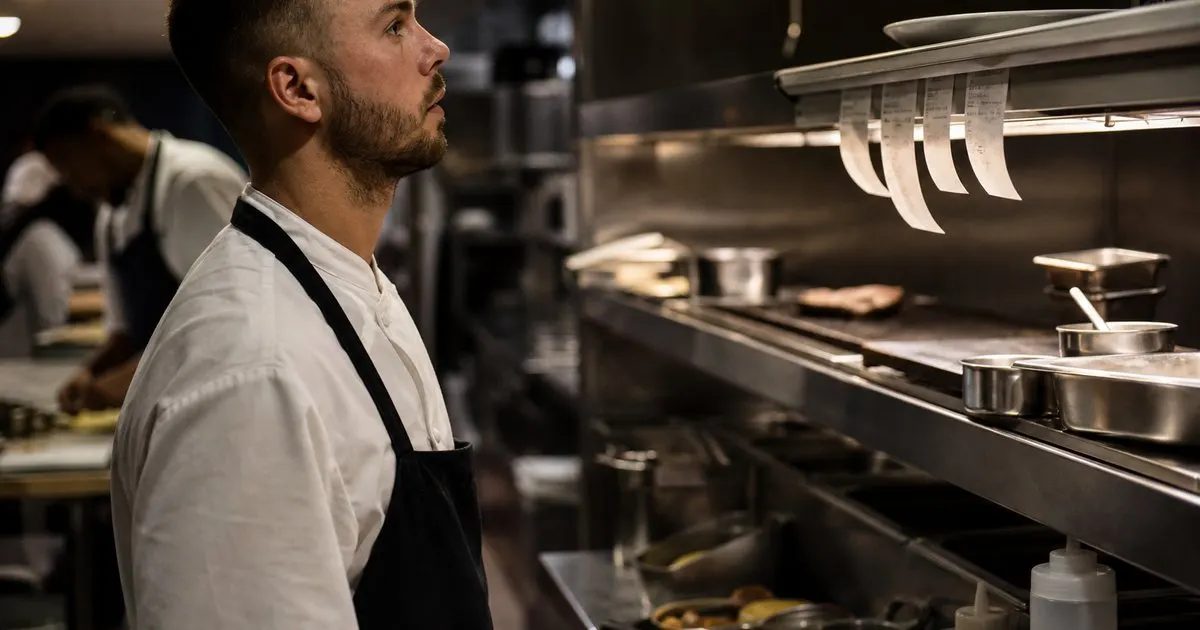
Why one shared queue fails
A single printer or one long ticket rail forces every cook to scan the whole order and pick out their part. That scanning is slow, and it is exactly where items fall through. Related: What should an expediter do when a station never saw the ticket?
The busier the night, the worse it gets, because the queue grows faster than anyone can parse it while also cooking.
Keep reading: What is the best way to pace courses so a table eats together?, Why does the expo pass fall apart during a busy dinner rush?, When should the expediter fire the entrees for a large party?. See how PlatePassr helps you kitchen expo ticket routing and course pacing.
Route by station, not by ticket
The fix is to send each line of an order to the station that cooks it, so the grill sees grill items and the cold station sees salads. Cooks stop hunting and start cooking. Related: What does clean ticket routing look like across a multi-station line?
Mapping every menu item to a station once means new tickets route themselves from then on, even when the menu changes. Related: Which kitchen station bottlenecks cause the most late tickets on weekends?
Keep the whole ticket visible to expo
Stations should see only their work, but the expediter needs the full picture. The pass view shows every open table and its outstanding items so nothing is forgotten. Related: Who owns the expo pass and how does that role actually work?
That split, focused stations and a complete pass, is what keeps a fast line both quick and coordinated.
Build in a fallback
Any digital system needs a plan for an outage, so keep a backup printer ready in case the network drops mid-service.
Train the team on the manual fallback before you need it, so a bad connection is an inconvenience, not a disaster.
- Route order lines to the station that cooks them
- Let cooks see only their station work
- Give expo the full pass view
- Keep a printer fallback for outages

Julien Jimenez
Julien Jimenez is an independent software builder based in Paris. He designs, ships, and operates focused SaaS products for small businesses and independent professionals. Read the full author page.
Frequently asked questions
Why does one shared ticket queue cause missed items?
A single rail forces every cook to scan the whole order and pick out their part. That scanning is slow, and the busier the night the faster the queue grows, which is exactly where items fall through.
Should each station see the whole ticket?
No. Stations work best seeing only their own items, which cuts the noise. The expediter needs the full picture, so the pass view shows every open table and outstanding item to coordinate the drop.
Send Every Ticket to the Right Station
Kitchen expo ticket routing and course pacing. PlatePassr is built to help you put this into practice.
Start free trialMore from the PlatePassr blog
What is the best way to pace courses so a table eats together?
Why does the expo pass fall apart during a busy dinner rush?
When should the expediter fire the entrees for a large party?
Get the PlatePassr playbook
Practical guides on kitchen expo and service, straight to your inbox as we publish them. No spam, unsubscribe any time.